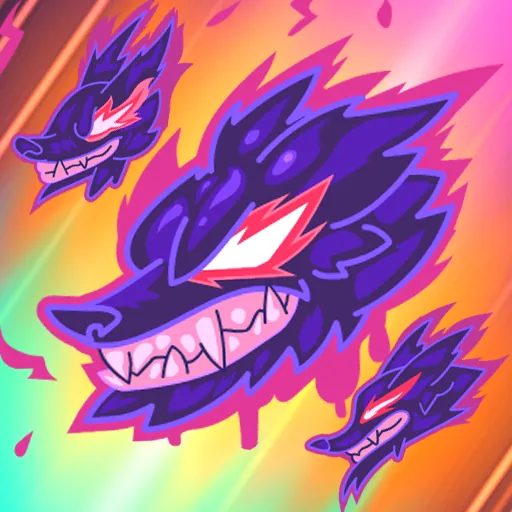
MAGIKMON




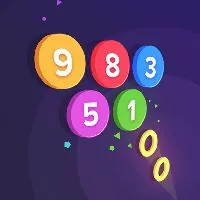


SIMILAR GAMES





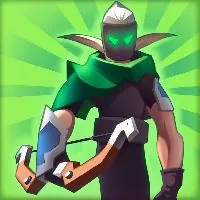
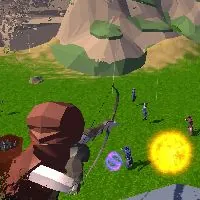










About Magikmon on Unblocked Games Pod
Step directly into the action with Magikmon, a premier title in the Casual Arcade Reflex genre on Unblocked Games Pod. Built from the ground up for instantaneous web browser performance, this game delivers fluid frame rates, zero installation barriers, and full responsiveness across school Chromebooks, desktop PCs, and mobile devices.
Core Gameplay Objectives & Mechanics
At its core, Magikmon challenges players with rhythmic timing, hand-eye coordination, responsive reaction speed, and progressive score scaling. Every stage is engineered with progressive difficulty curves that test your reflexes, hand-eye coordination, and tactical decision-making under time pressure.
How to Play & Universal Controls Scheme
Mastering Magikmon is designed to be frictionless across keyboards, mice, trackpads, and touch devices. Use the verified control bindings below:
| Action | Keybinding |
|---|---|
| Primary Directional Movement | W A S D or Arrow Keys |
| Primary Action / Trigger | Spacebar or Left Mouse Click |
| Pause / Settings Menu | P or Esc |
| Restart Level | R Key |
Chromebook 60 FPS Optimization & Performance Guide
Running on a school laptop or Chromebook? Magikmon is optimized for low thermal output and efficient battery draw. For peak responsiveness, connect your device to wall AC power to avoid CPU throttling, and consider switching your browser window to full-screen mode (F11) to bypass operating system compositing overhead.
Pro Tips & Strategies for Mastering Magikmon
- Master Momentum Management: Smooth, deliberate inputs yield far better results than erratic button mashing. Maintain your forward momentum to glide through tricky sections.
- Prioritize High-Value Upgrades: Reinvest earned in-game points into agility, speed, or damage multipliers early to accelerate your character's progression curve.
- Exploit Safe Recovery Zones: Recognize safe platforms or low-threat pockets where you can reset your focus, manage cooldowns, and plan your next forward maneuver.
- Optimize Peripheral Vision: Focus your visual attention slightly ahead of your character model rather than directly on it, giving your brain more time to react to incoming obstacles.
Frequently Asked Questions
Tested and verified for smooth 60 FPS ChromeOS & desktop browser execution by the Senior Game Curation Team for Unblocked Games Pod.